OBDSTAR C4-11 Full Adapter Kit NCF 29XX Solder-free Board Kit For NXP 29XX Series Read/Write Work With G3/Key Master5/X300 MINI VW
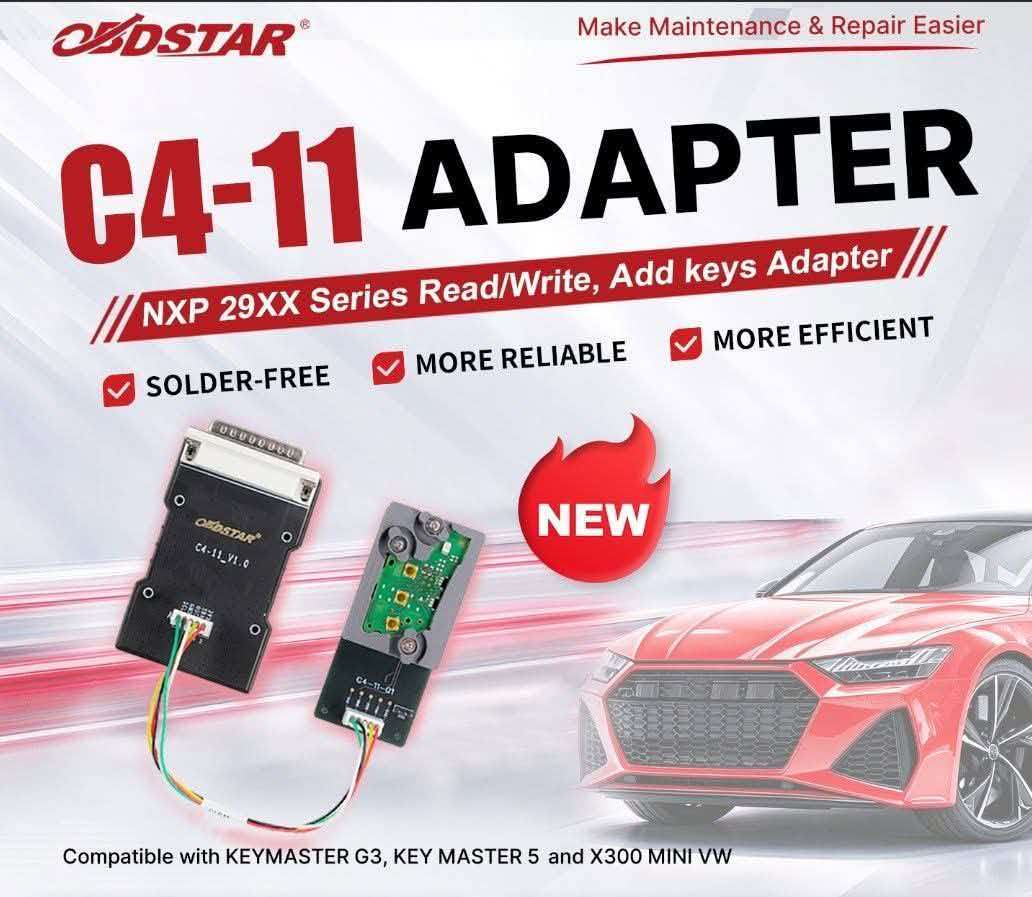
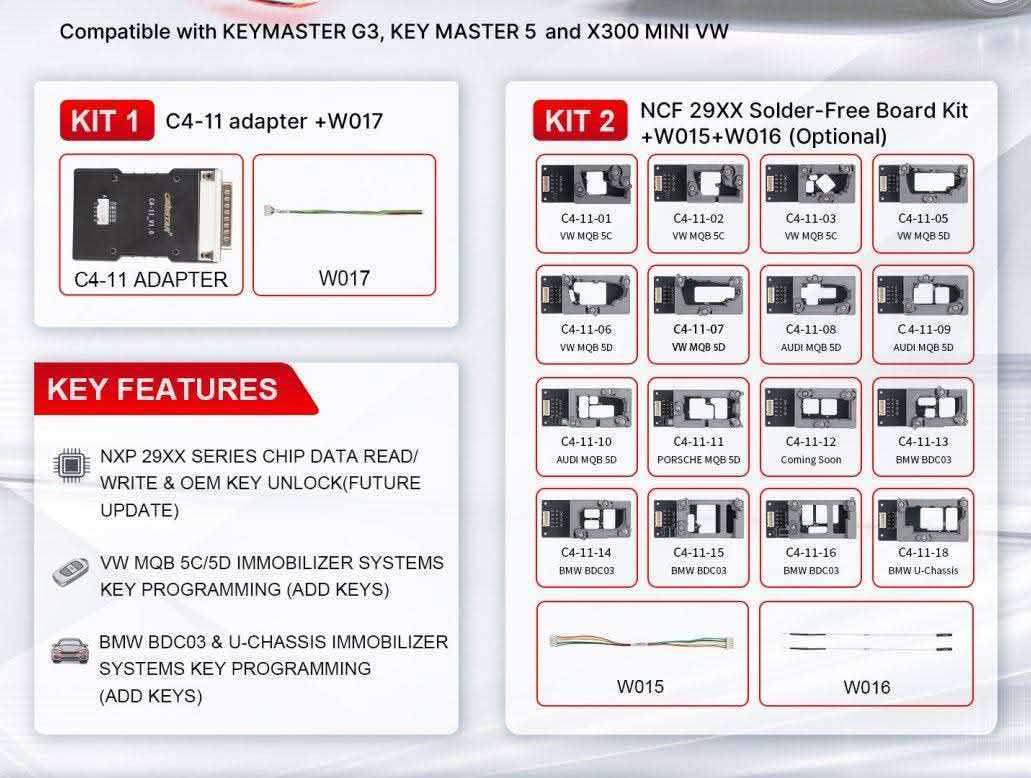
- C4-11 Adapter
- W017
- C4-11-01
- C4-11-02
- C4-11-03
- C4-11-05
- C4-11-06
- C4-11-07
- C4-11-08
- C4-11-09
- C4-11-10
- C4-11-11
- C4-11-12
- C4-11-13
- C4-11-14
- C4-11-15
- C4-11-16
- C4-11-18
- W015
- W016
Support Tools
FUNCTION DESCRIPTION
SOFTWARE FUNCTIONS
- NXP 29XX Series Chip Data Read/Write & OEM Key Unlock(Future Update)
- VW MQB 5C/5D Immobilizer Systems Key Programming (Add Keys)
- BMW BDC3 & U-Chassis Immobilizer Systems Key Programming (Add Keys)
PRODUCT HIGHLIGHTS
- Provides professional solutions for key programming (Add Keys) on Volkswagen MQB 5C/5D and BMW BDC03/U-Chassis systems.
- Solder-free operation enables fast, convenient on-site key programming.
- Dedicated adapter boards feature a foolproof design for easy operation and stable data reading/writing.
- Offers flexible connection options: choose between soldering or using the dedicated solder-free adapter board according to your needs.
- Each adapter board kit comes with a dedicated maintenance kit, including spare probes. Worn probes can be quickly replaced, extending the service life of the adapter board.
NOTES
- Take proper electrostatic discharge (ESD) precautions before operation.
- All locking mechanisms are secured before shipment. Before use, loosen the screw by half a turn to allow the locking mechanism to rotate smoothly.
- If the key PCB does not fit into the slot, first check whether the PCB model matches the reference image. If the model is correct, rough edges caused by factory cutting may prevent proper installation. Use a file to smooth the edges until the PCB fits into the slot.
- Adhesive on some PCB contact points may cause poor electrical contact. Refer to the wiring point diagram and carefully remove any adhesive from the contact points before installation.
- Inconsistent PCB cutting may cause contact point misalignment and poor electrical contact. Carefully file and adjust the PCB edges as needed until the contact points are properly aligned and data can be read successfully.
- After installation, visually check that all probes are properly aligned with their corresponding contact points. Once alignment is confirmed, proceed with data reading.
Package List:


