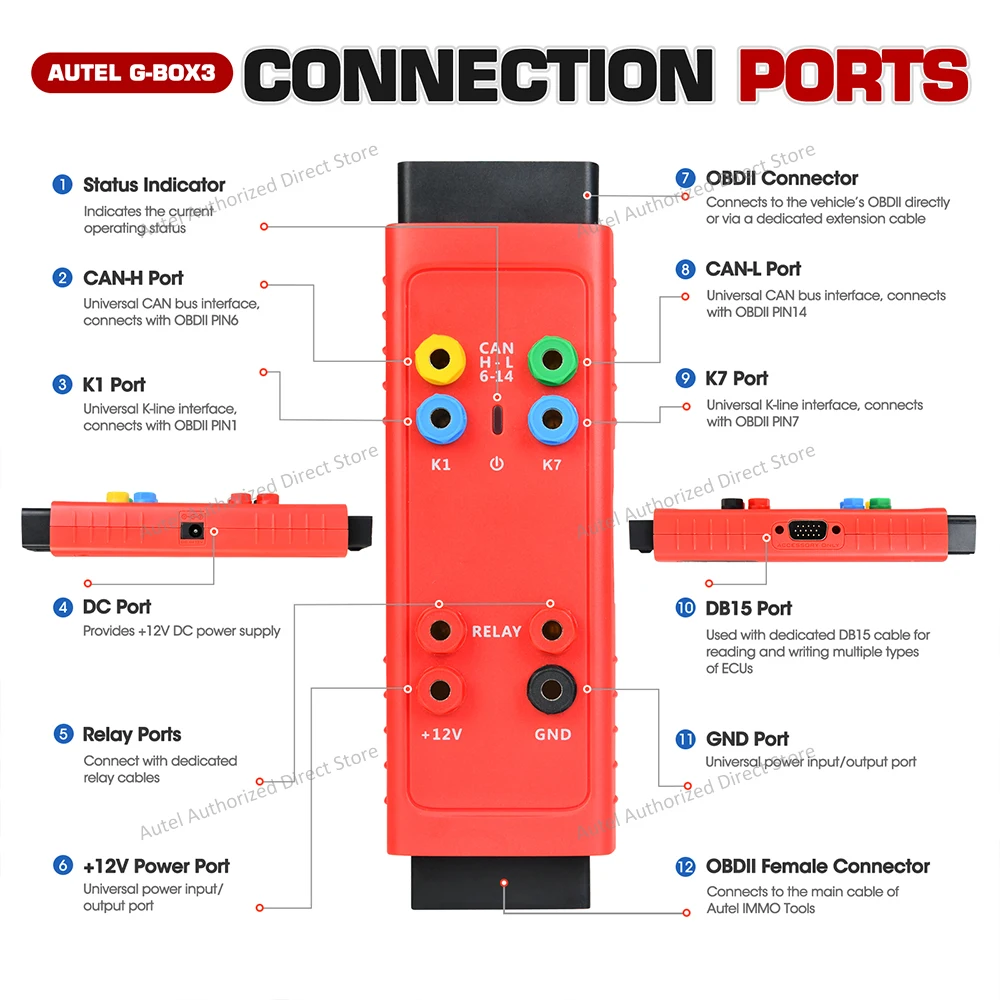
Autel GBOX3 Product Description:
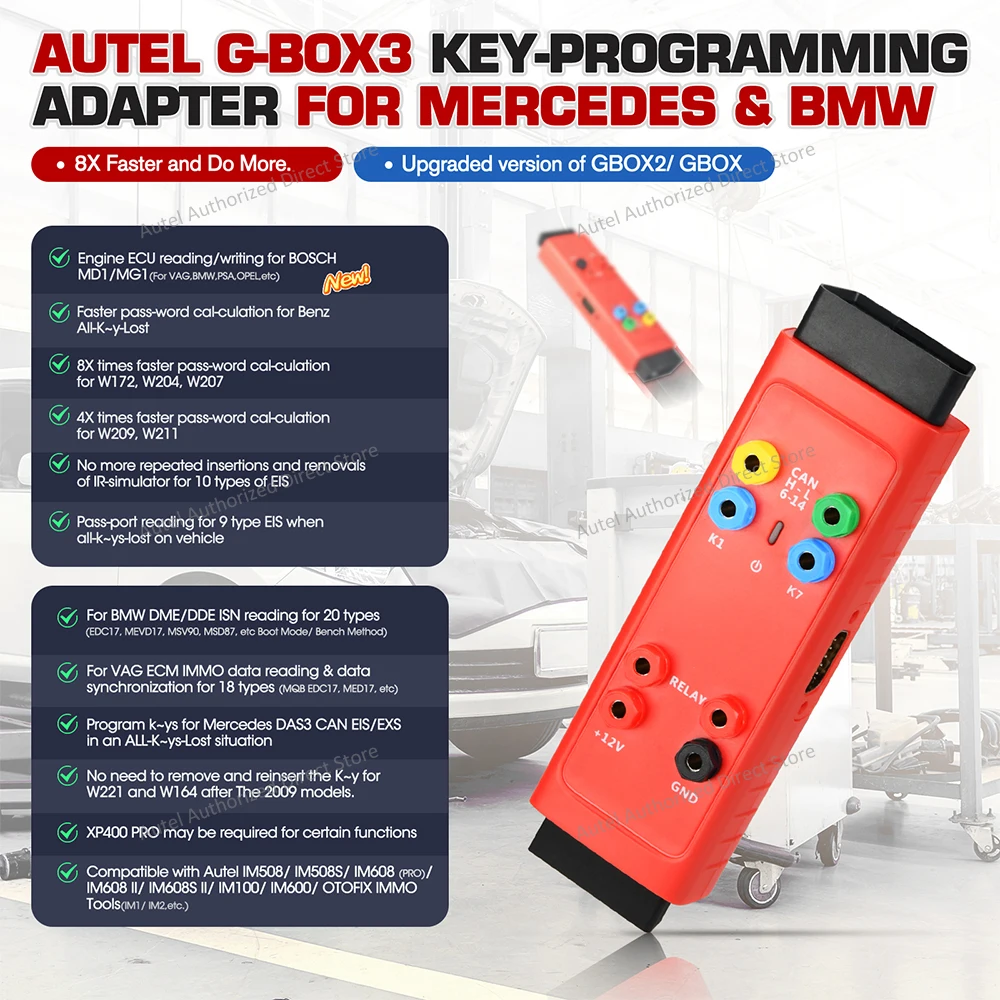
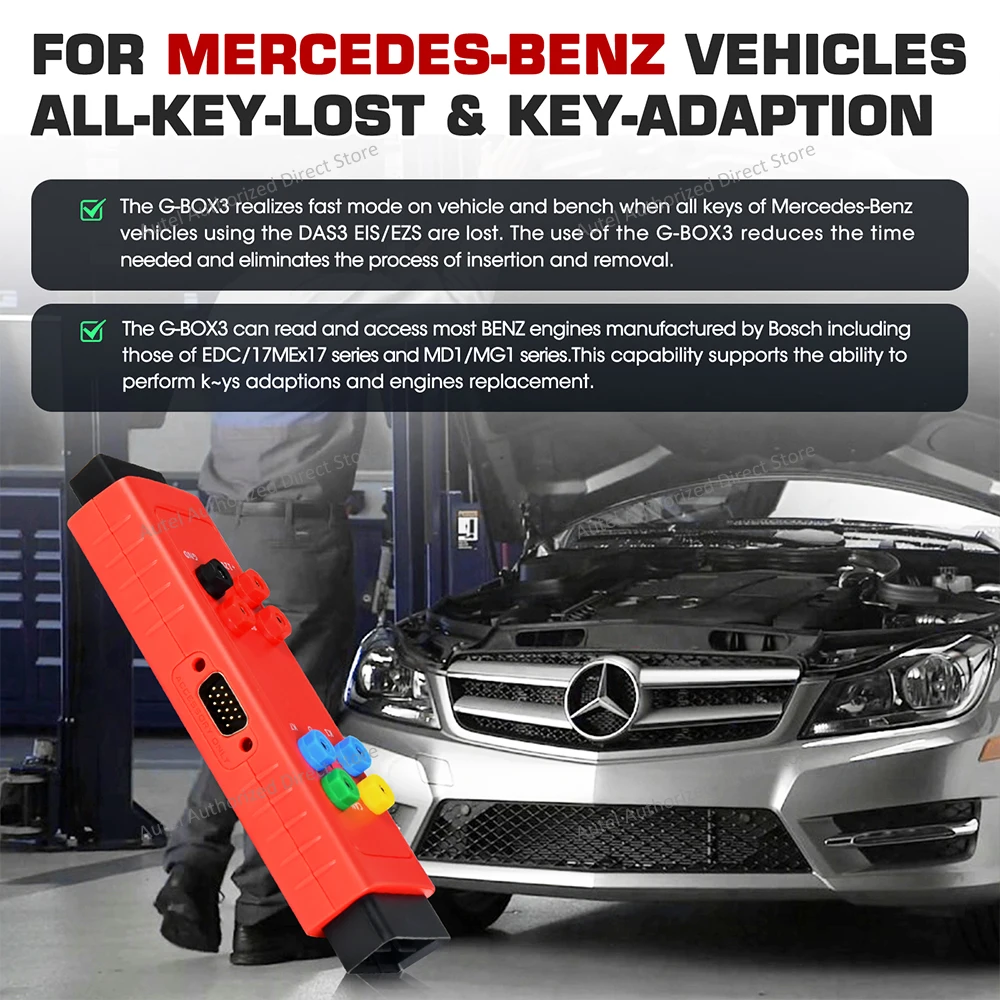
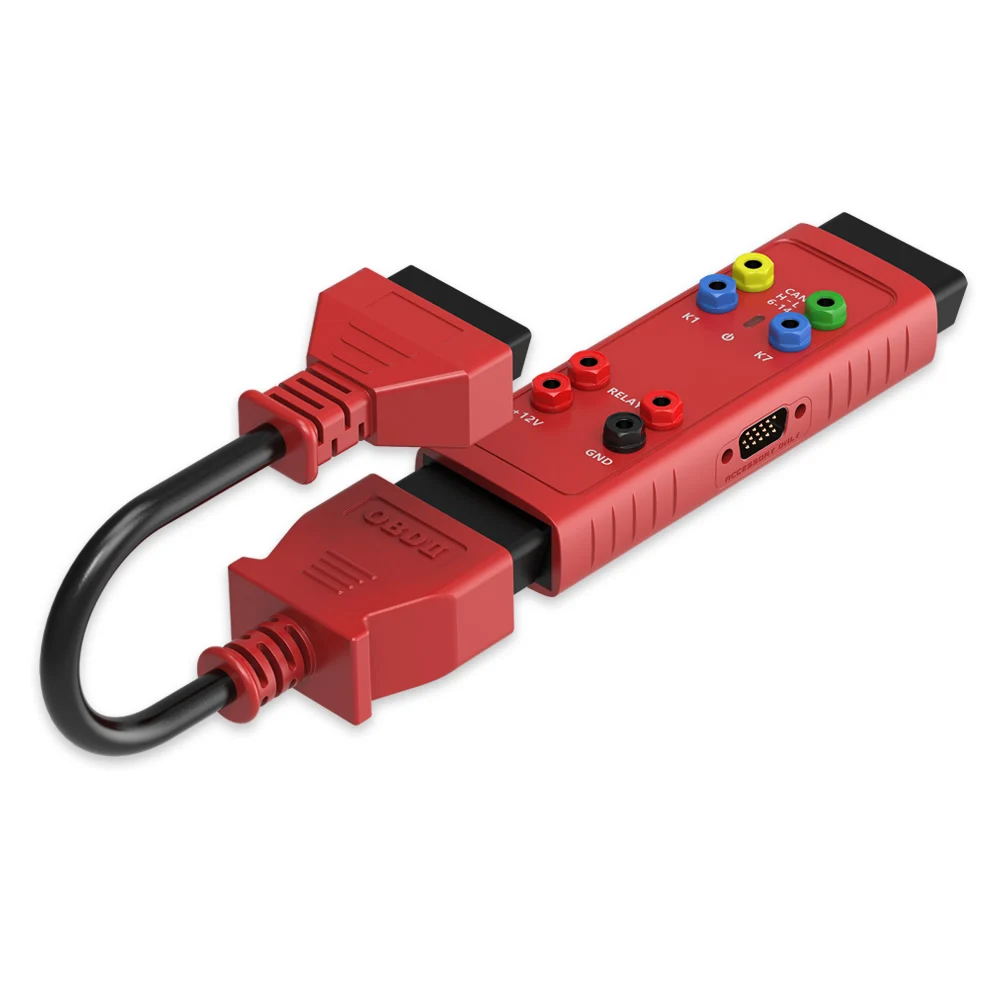
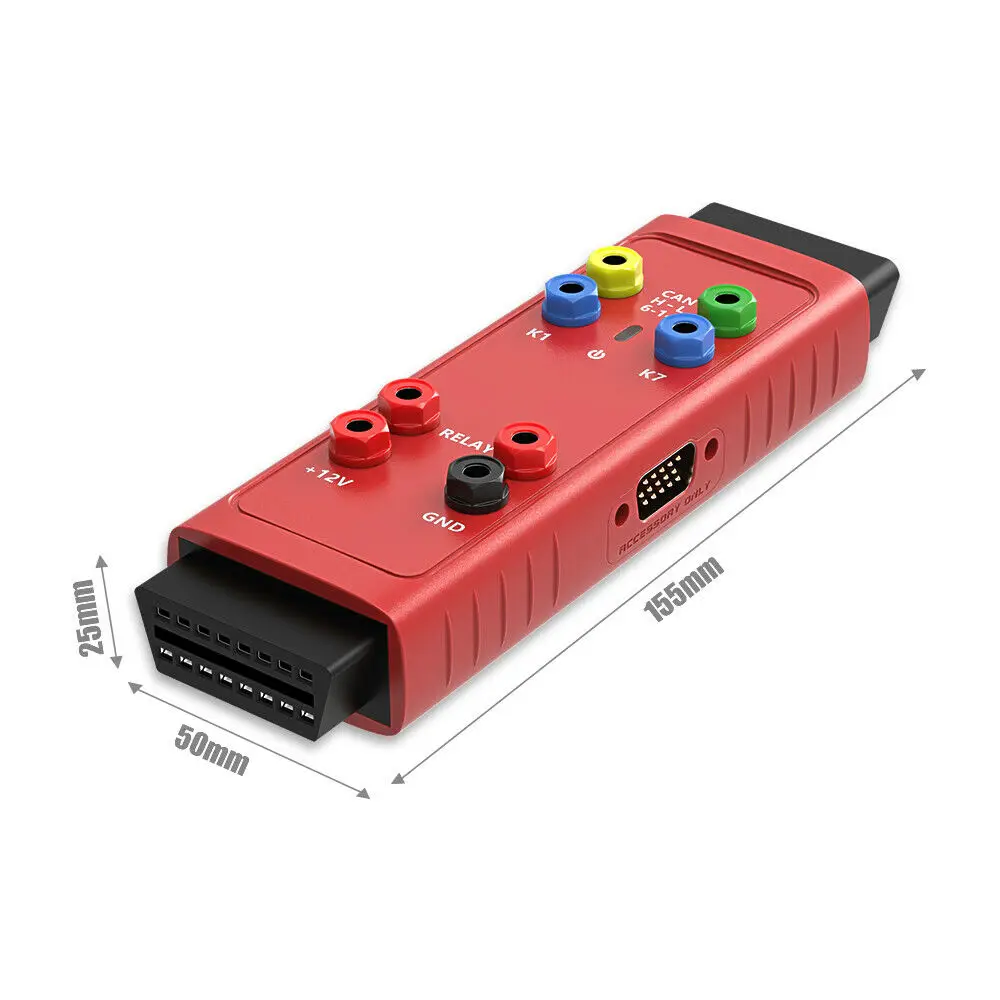
● The G-BOX3 realizes fast mode on vehicle and bench when all keys of Mercedes-Benz vehicles using the DAS3 EIS/EZS are lost. The use of the G-BOX3 reduces the time needed and eliminates the process of insertion and removal. ● The G-BOX3 can read and access most engines manufactured by Bosch including those of EDC/17MEx17 series and MD1/MG1 series. This capability supports the ability to perform keys adaptions and engines replacement. ● The G-BOX3 is compatible with the Autel’s advanced diagnostic tablets supporting IMMO and Key Programming functions.
Autel G-B0X3 Features:
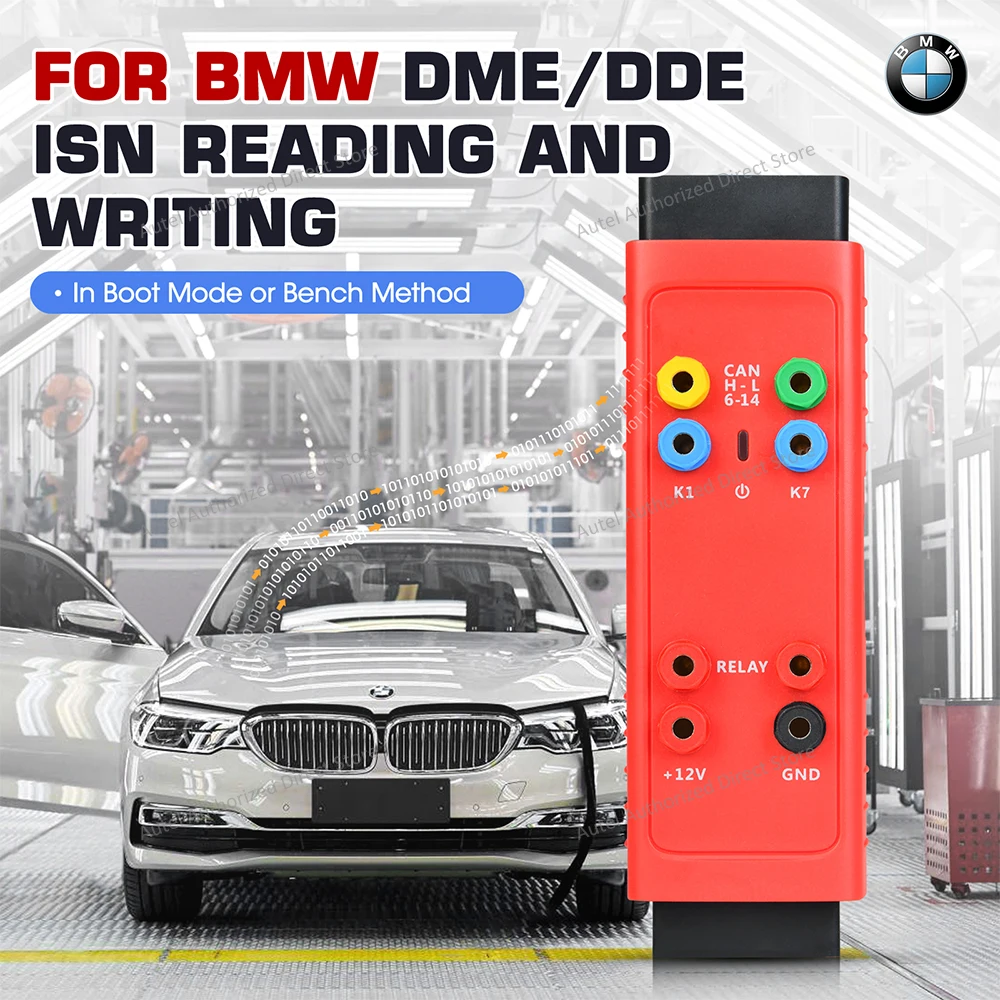
● Mercedes-Benz All Keys Lost, Faster Password Calculation. ● Mercedes-Benz All Keys Lost, eliminates repeated Insertions within the process. ● Mercedes-Benz All Keys Lost, Can Be Programmed on the Vehicle Without Removing the Electronic Ignition Switch (EIS). ● BMW DME/DDE ISN Reading and Writing in Boot Mode or Bench Method. ● Contains All Connections Including Cables, Fuse Connector, and CAN Line Connectors.
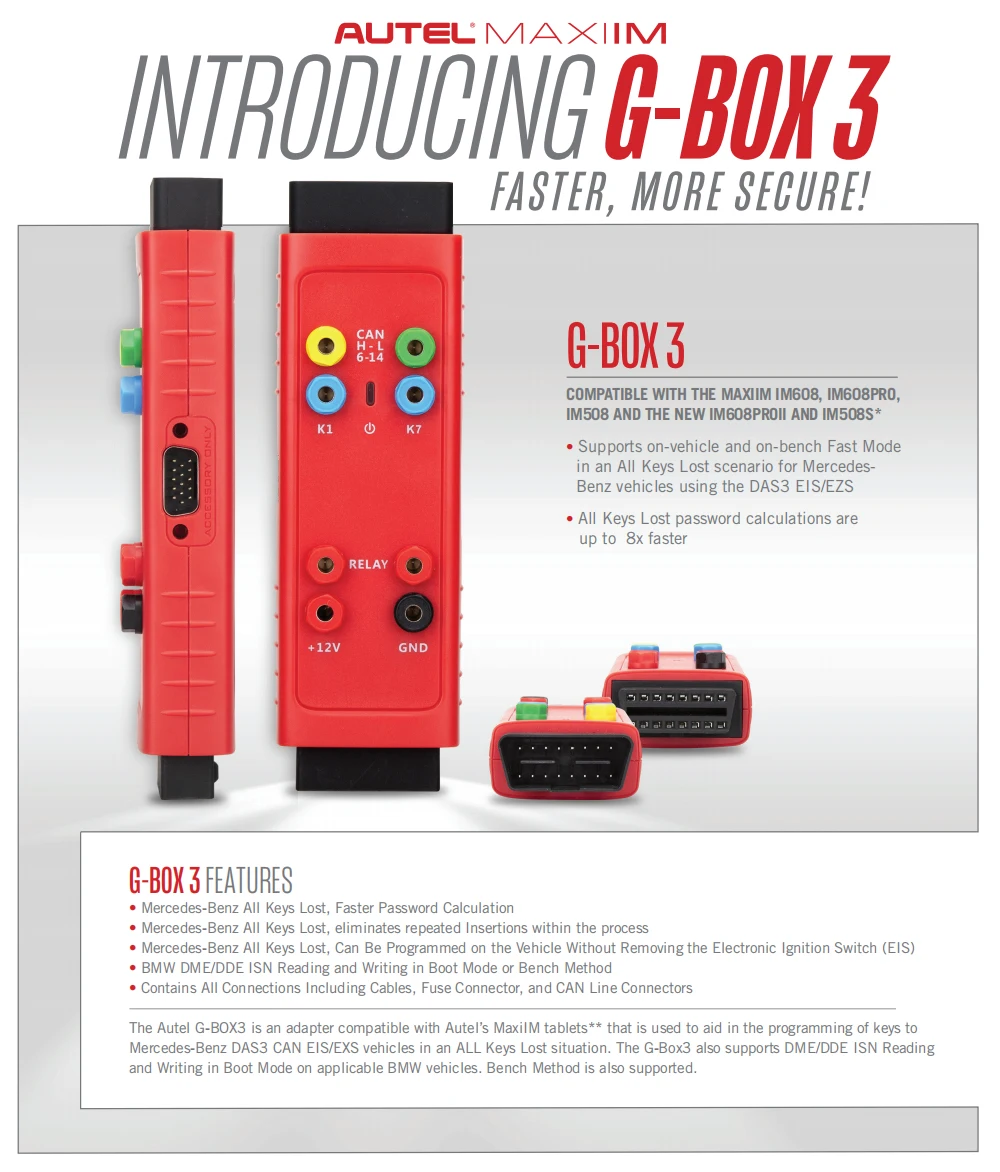
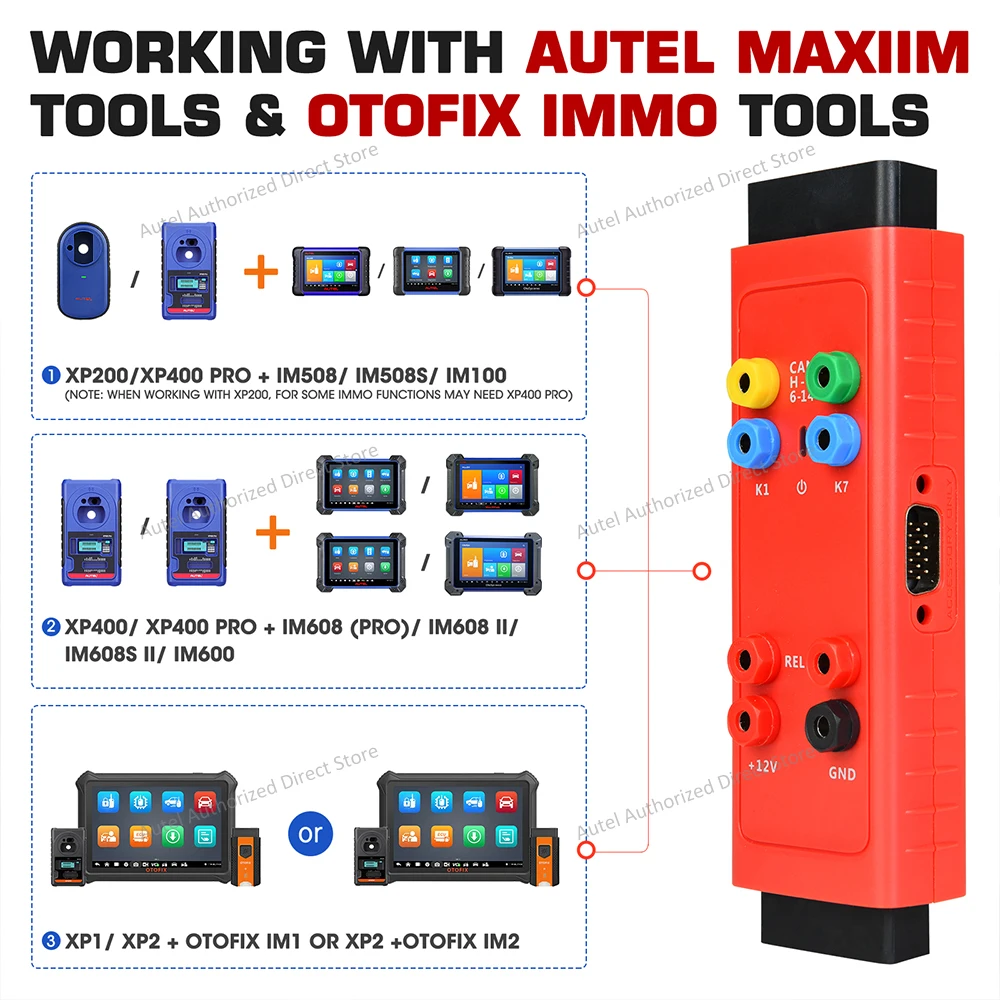
Compatible with the MaxiIM IM608, IM608PRO, IM508 and the NEW IM608PROII and IM508S* ● Supports on-vehicle and on-bench Fast Mode in an All Keys Lost scenario for Mercedes- Benz vehicles using the DAS3 EIS/EZS ● All Keys Lost password calculations are up to 8x faster *The IM508 tablets require the purchase of the XP400pro Key Programmer to use the G-Box3.
The Autel G-BOX3 is an adapter compatible with Autel's IM508 (with purchase of XP400 programmer) and IM608 Key Programming tablets used to aide in the programming keys for Mercedes DAS3 CAN EIS/EXS in an ALL Keys Lost situation. The G-Box3 also supports DME/DDE ISN Reading and Writing in Boot Mode on applicable BMW vehicles. Bench Method is also supported. All Keys Lost password calculations are 4x to 8x faster. Moreover, the number of insertions and removals of W216 and W164 EISs after the year 2009 is reduced to zero, greatly simplifying the operation steps. It can be used in Boot Mode or Bench Method. G-BOX3 needs to be used with the Autel IM508 or IM608 for reliable performance.
Autel G-BOX3 Description:
Key Programming Adapter for Mercedes and BMW Vehicles
How to Make the G-BOX3 Work?
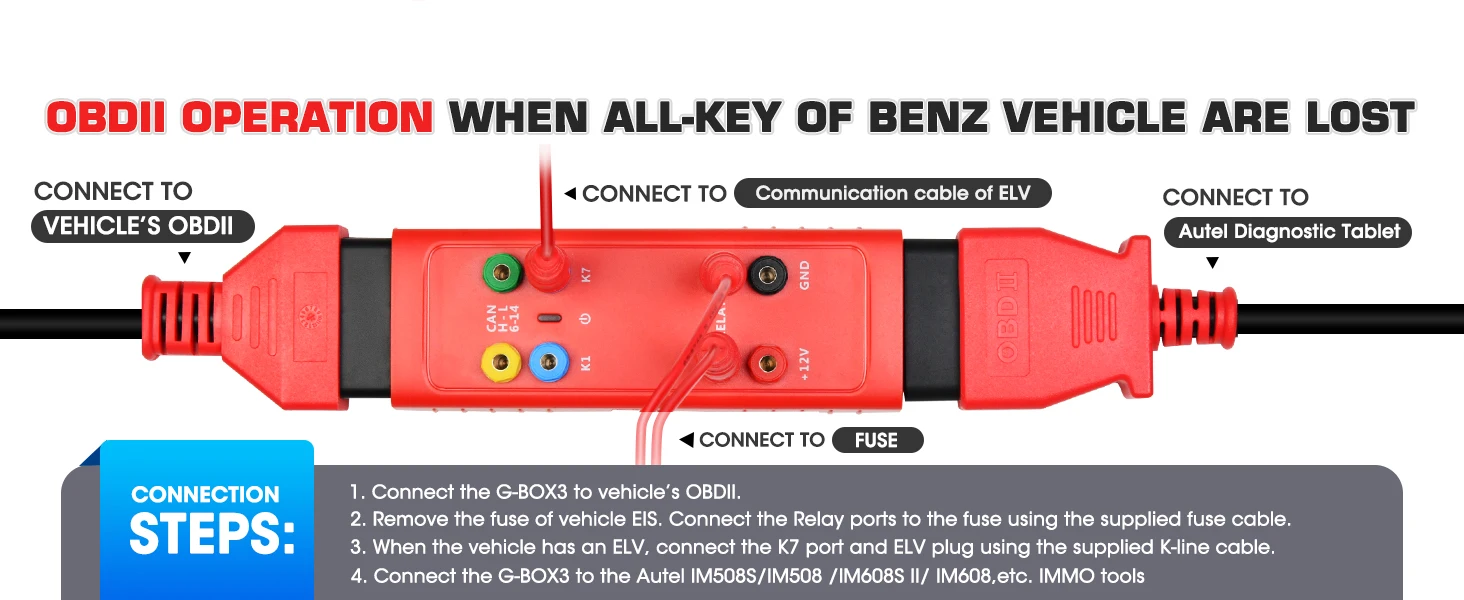
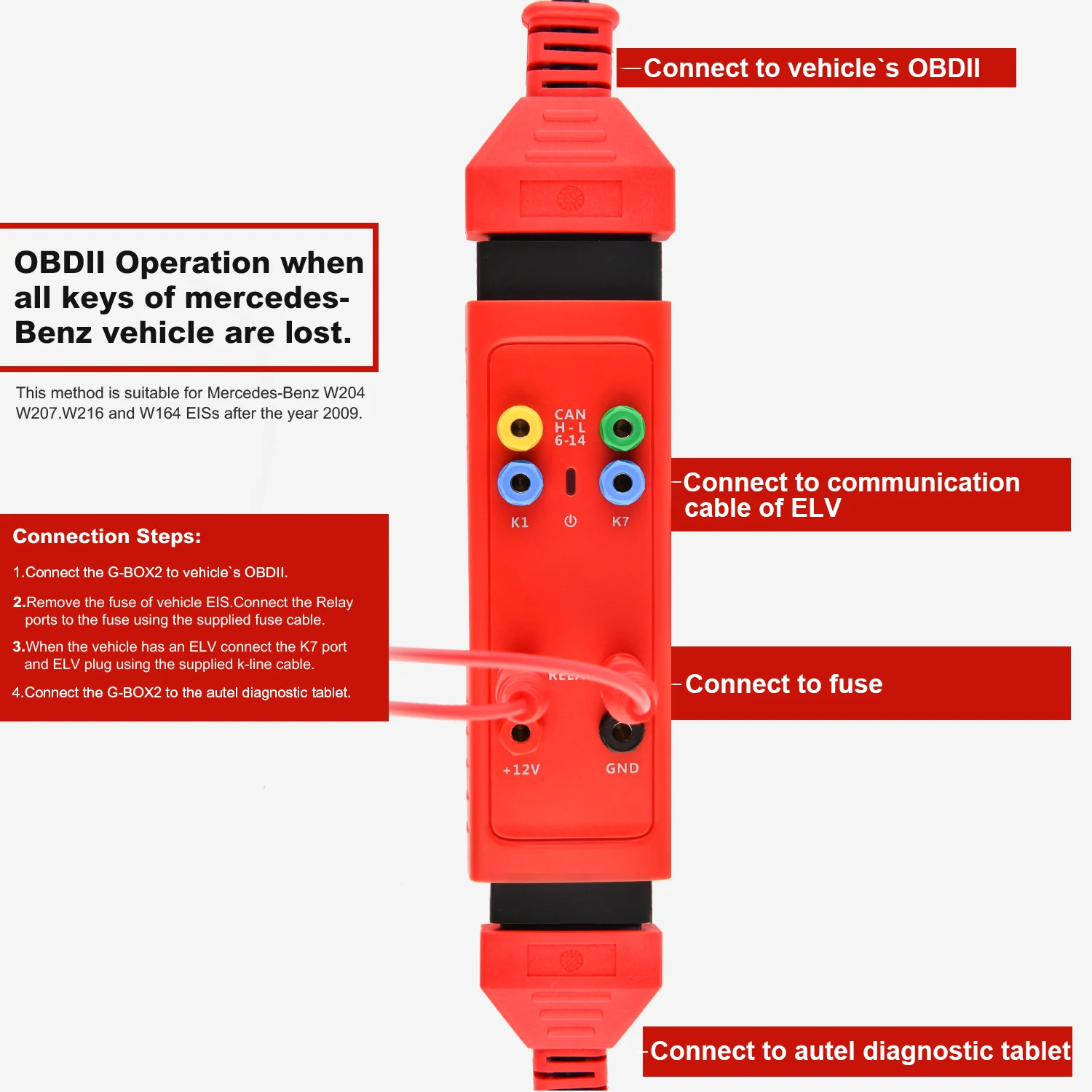
1.OBDII operation when all keys of Mercedes-Benz vehicle are lost
Use OBDII access on Mercedes-Benz vehicles manufactured after 2009 with W204, W207, W216 and W164 EISs.
Conection Steps:
1. Connect the G-BOX3 to vehicle’s OBDII. 2. Remove the fuse of vehicle EIS. Connect the Relay ports to the fuse using the supplied fuse cable. 3. When the vehicle has an ELV, connect the K7 port and ELV plug using the supplied K-line cable. 4. Connect the G-BOX3 to the Autel Diagnostic Tablet.
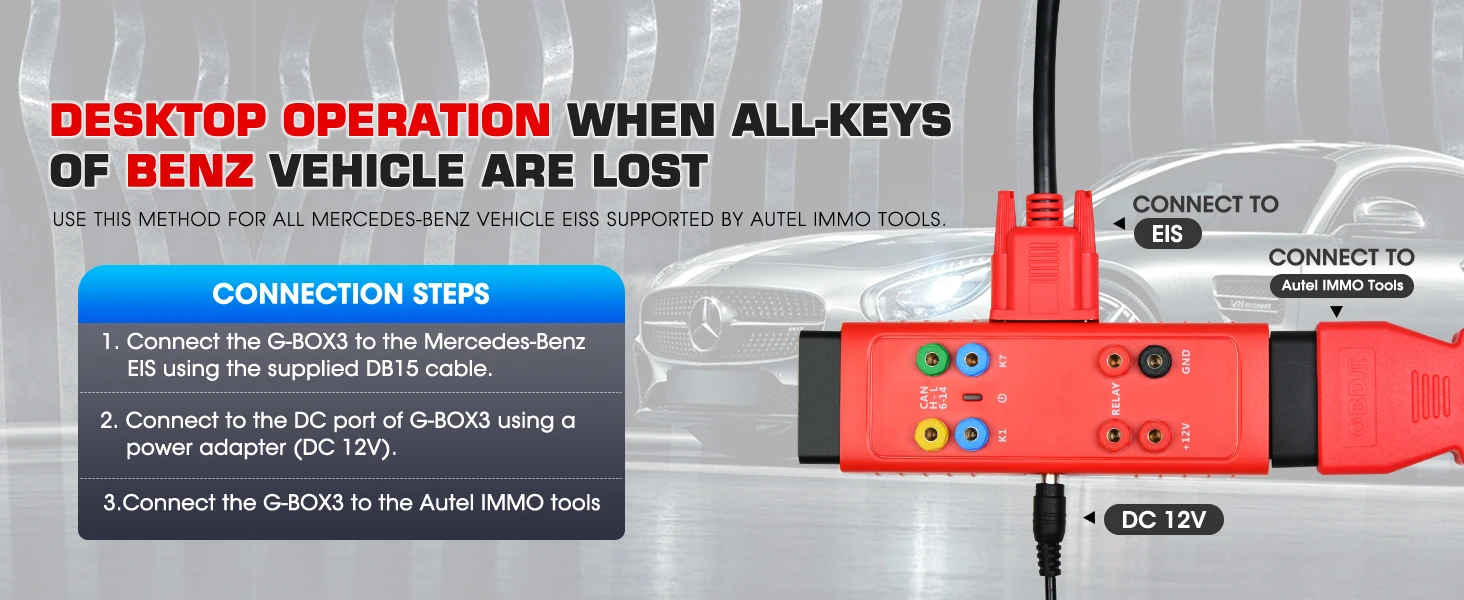
2.Desktop operation when all keys of Mercedes-Benz vehicle are lost
Use this method for all Mercedes-Benz vehicle EISs supported by Autel Diagnostic tablets supporting IMMO and Key Programming functions.
Conntection Steps:
1. Connect the G-BOX3 to the Mercedes-Benz EIS using the supplied DB15 cable. 2. Connect to the DC port of G-BOX3 using a power adapter (DC 12V). 3. Connect the G-BOX3 to the Autel Diag.
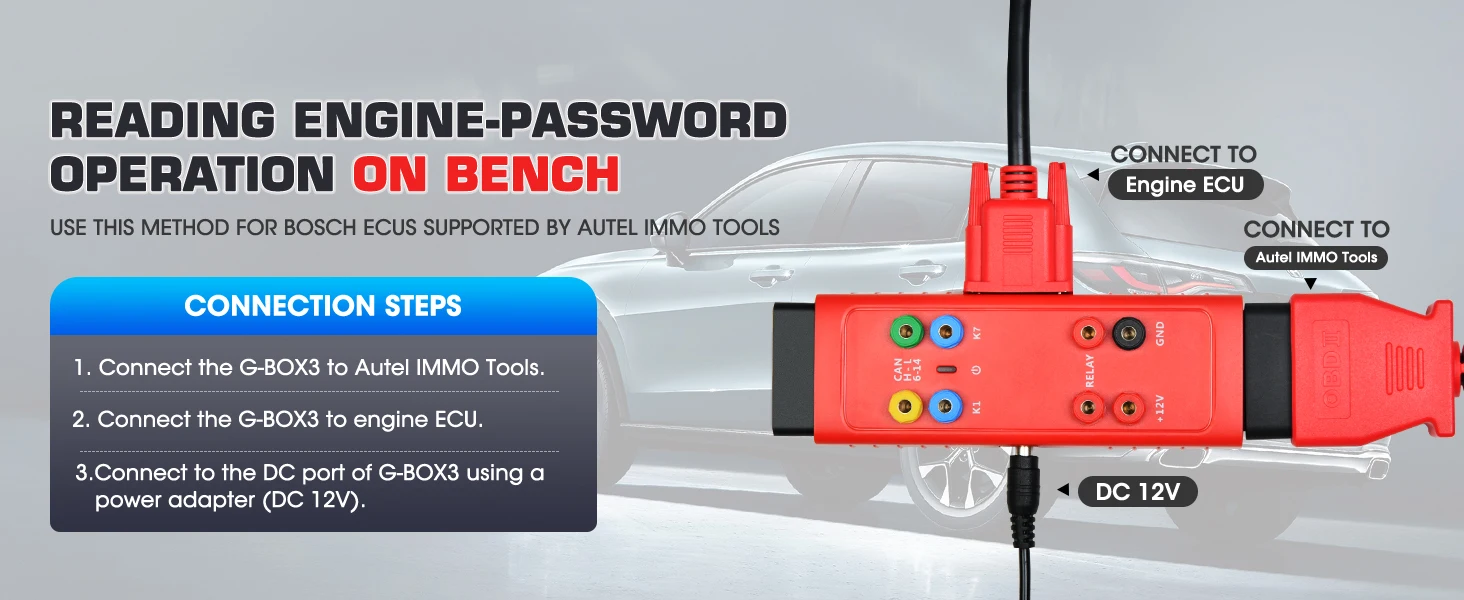
3.Reading engine password operation on bench
Use this method for Bosch ECUs supported by Autel Diagnostic tablets supporting IMMO and Key Programming functions.
Connection Steps:
1. Connect the G-BOX3 to Autel Diagnostic Tablet. 2. Connect the G-BOX3 to engine ECU. 3. Connect to the DC port of G-BOX3 using a power adapter (DC 12V).
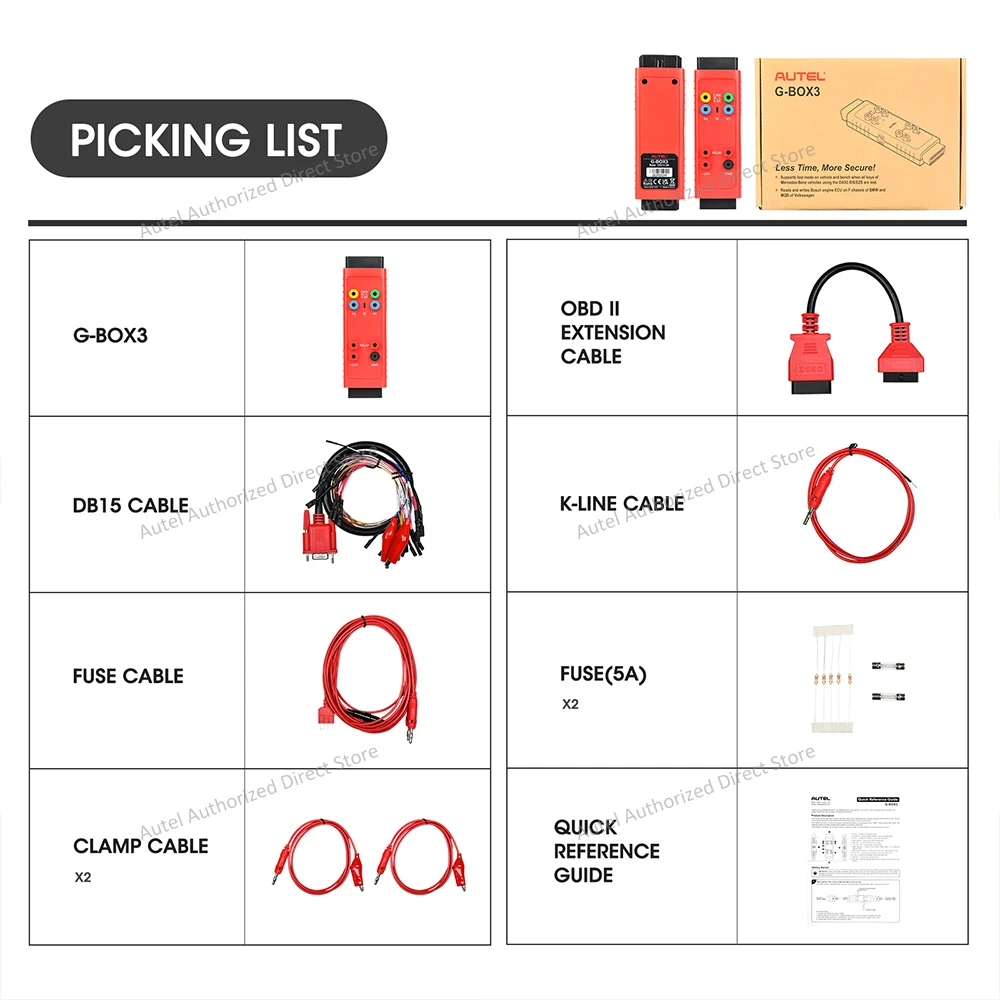
Autel G-BOX3 Package Included:
1pc x Autel G-BOX3 1pc x DB15 Cable 1pc x Fuse Cable 2pcs x Fuse (5A) 2pcs x Clamp Cable 1pc x K-Line Cable 1pc x OBDII Extension Cable 1pc x Quick Reference Guide


