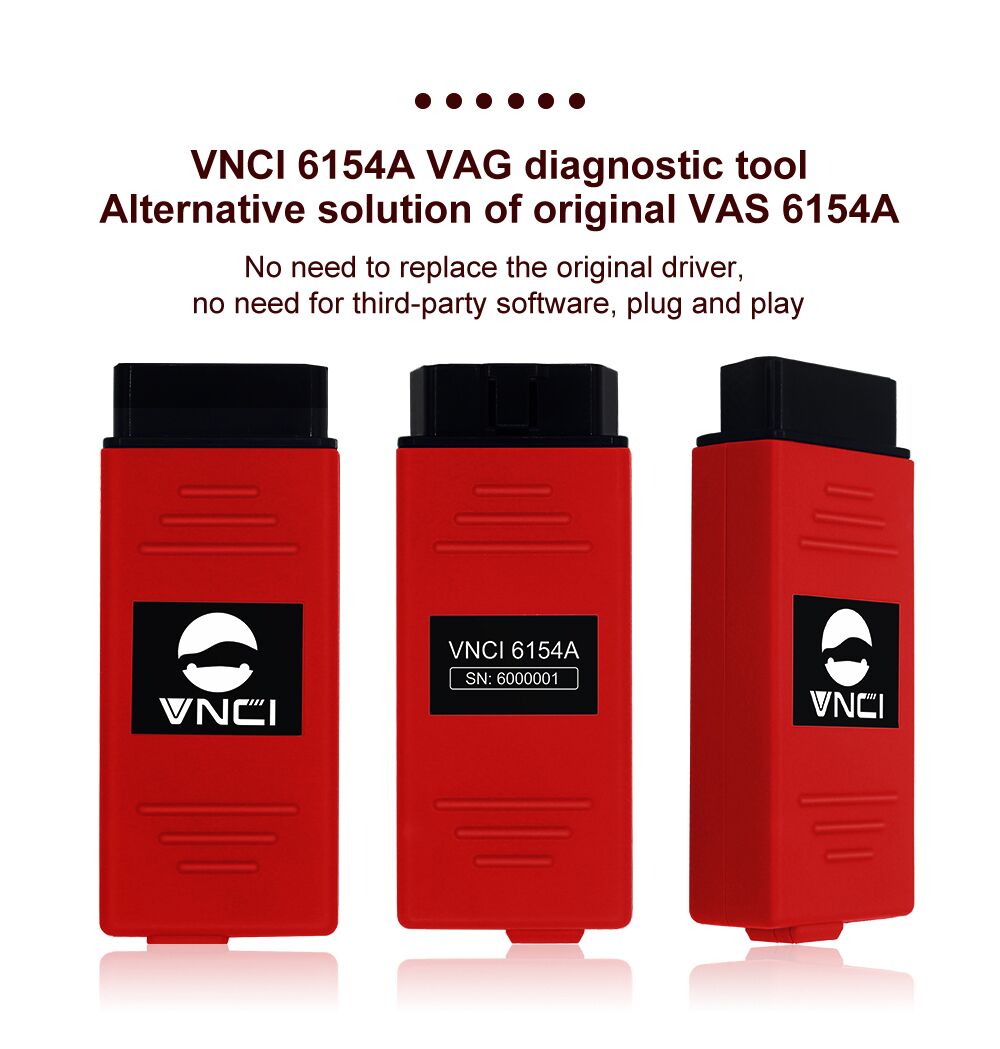
VNCI 6154A for VW Audi Skoda Seat OBD2 Scanner Supports DoIP/CAN FD till 2023
- With 2-year hardware warranty
- Supports WIFI, USB and WLAN Connection.
- Works for all VAG Brands from 1995 to 2023.
VNCI 6154A (red SVCI 6154A) is the OEM 6154A Diagnostic Adapter that is compatible with lastest service software.
It added supports CANFD, and DOIP Protocol. VNCI 6154A is a universal diagnostic interface for the vehicles of the Volkswagen Group including VW, AUDI, SKODA, SEAT, Bentley, and Lamborghini.
Features:


VNCI 6154A Functions:
VNCI 6154A Update Log:
VNCI 6154A firmware update to 1.1.6.8
VNCI 6154A firmware update to 1.1.2.4
Fix bug: Failed to activate OCU module(J949)
VNCI 6154A Firmware Update to V1.1.2.2
Fixed: VW ID3/ID4/ID6 cannot refresh the battery monitoring control module (0637)
VNCI 6154 Manager update to V2.5
Firmware update to 1.1.1.4
(1) Solve the problem that individual data streams are not displayed when the TP20 protocol reads multiple data streams.
(2) Solve the problem of freezing when the web page is refreshed multiple times.
Vehicle Coverage:
VW 1995- 2023
Audi 1995- 2023
Seat 1995-2023
Skoda 1995-2023
Bentley 1995-2023
Lamborghini 1995-2023
MAN 1995-2023
NOTE:
1.PLEASE INSTALL ON WINDOWS 10(64BIT) AND MAKE SURE YOUR C:/ DRIVER is with 50GB SPACE .
2. SVCI 6154A is not a J2534 Passthru because it loaded with a newer version of Firmware.
3. Compatible with the latest version
New Type SVCI 6154A (Red VNCI 6154A) Fixed some bugs:
1. Fixed that Interface heats up after long time use (lost firmware)
2. Fully Supported CAN FD and Doip protocols
3. Directly use with software and no need for Driver Manager
4. Upgrade to support service 9.1/10.0/V11.0 and Engineering V14.1/V15.1/V16
What is the difference between the NEW 6154 DOIP Version and the normal 6154?
DOIP 6154 can support DOIP diagnosis, especially it can do 2018 to 2020 new cars,
DOIP 6154 supports more protocols (CAN FD and DoIP) than the old 6154.
You don't need any program or manager to run this VCI.
The VCI loads the firmware very stable.
It works with WLAN and also with USB.
Connection
Three connection methods to adapt to various scenarios: USB connection mode, AP direct connection mode, Base station connection mode.
USB connection mode: connect VNCI 6154A with computer via USB cable
AP(WIFI) connection mode: Power to VNCI 6154A through the OBD port, and then connect VNCI 6154A with computer via device WIFI, similar to Bluetooth connection
Base station(WLAN ) connection mode: Add VNCI 6154A and current computer to the current WLAN, and then power to VNCI 6154A through the OBD port. 
VNCI 6154A Features:
– Estimated remaining times are shown for ECU flash operations.
– Diagnostic protocol contains interruptions of GFF sessions, extended measurement values, improved ECU communication view, used diagnostic hardware, connection type of diagnostic hardware, operating system, the hotfix used, and submissions of support requests
– The measured value display has been improved.
– Documents in GFF are displayed in separate windows.
– One message box will be shown at the beginning of the test drive mode.
– GFF hotfixes can be integrated during diagnostic sessions.
– Danger messages have been revised.
– Stopping diagnostic sessions may be interrupted.
– Automatic deletion of autosave diagnostic protocols after successful transmission.
– Selection of PassThru diagnostic hardware has been improved.
– Service Software update has been stabilized.
The Following Vehicle Bus Systems are Supported
K line (ISO9141-2)
High-speed CAN (ISO 11898-2)
Low-speed CAN (ISO 11898-3)
J1850 (SAE)
LED light instructions:
Orange: Mode
Green: Power
Red: DoIP communication
Blue: Connection status
Button: AP connect mode and Station connect mode switch button